What is Drink the Ocean?
Drink the Ocean is a blocky first-person incremental game where your only job is to drink the sea dry through a straw. Every gulp lowers the water a little, and as the ocean drops you start to see what was hiding under it: a shipwreck, a whale skeleton and finally a sunken city. The game is made by Pinidi Studio and published on Playgama, and you can play Drink the Ocean for free in the player above.
The idea sounds silly, and that is the fun of it. A single sip barely moves the water line, but each upgrade makes you faster, so a run that starts with one thin straw ends with you pulling the plug on an entire ocean.
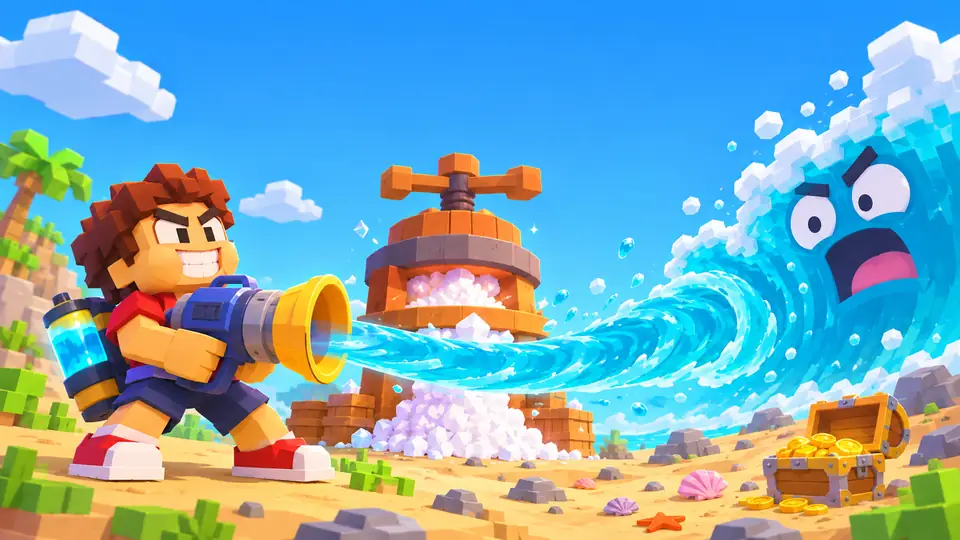
How to play Drink the Ocean
The core loop of Drink the Ocean takes about a minute to learn:
- Walk to the water's edge and start drinking through your straw.
- Fill your belly. When it is full you can't drink any more until you empty it.
- Stand under the PRESS on the beach. It squeezes the water you are holding into salt, the game's currency.
- Spend salt at the blue SHOP pad on upgrades and new tools.
- Keep draining until you reach the plug at the bottom of the ocean, then pull it to launch a stronger new ocean.
Drink the Ocean controls
| Action | Control |
|---|---|
| Move | W A S D |
| Look around | Mouse |
| Drink through the straw | Left click (on phones: hold the DRINK button) |
| Jump | Space |
| Switch tools | 1, 2, 3 |
| Free the mouse cursor | Tab |
Click inside the game once before you start so your keyboard and mouse go to the game rather than the page. On a phone or tablet, turn the screen to landscape and use the on-screen buttons.
Upgrades: what salt can buy
Everything you buy in Drink the Ocean helps you drain faster:
- Bigger belly – holds more water before you have to walk back to the press.
- Extra straws – increase how much you can drink at once.
- Mouth vacuum – a new tool for pulling in water.
- Pocket whirlpool – another tool you unlock in the shop.
A mysterious Sky Duck also hands out boons you can collect, and achievements track your progress through each ocean.
What you find when you drink the ocean dry
The deeper you drain, the stranger the seabed gets. The water level is your progress bar: the shipwreck shows up first, then the whale skeleton, then the ruins of a sunken city. At the very bottom is the plug. Pulling it resets the water and lets you start a new ocean made of cola, lemonade, slime or lava, each one stronger than the last.
Drink the Ocean tips
- Empty your belly at the press as soon as it is full. Time spent standing in the water with a full belly is time you are not earning salt.
- Put early salt into a bigger belly or extra straws. Both directly increase how much water each trip turns into salt.
- Switch tools with 1, 2 and 3 once you own the mouth vacuum and pocket whirlpool, and use whichever drains fastest.
- Grab the Sky Duck's boons when they appear; they are free help.
- Play in fullscreen. It is easier to aim the straw and the game is easier to see, especially on a phone in landscape.
Why players enjoy Drink the Ocean
Drink the Ocean is an incremental game you can actually watch progress. Most clicker games show growth as a number; here the whole world changes as the water drops, so every upgrade pays off with something new on the seabed. Sessions are short, the goal is obvious, and the absurd premise of drinking an entire sea with a straw makes it easy to share with friends.